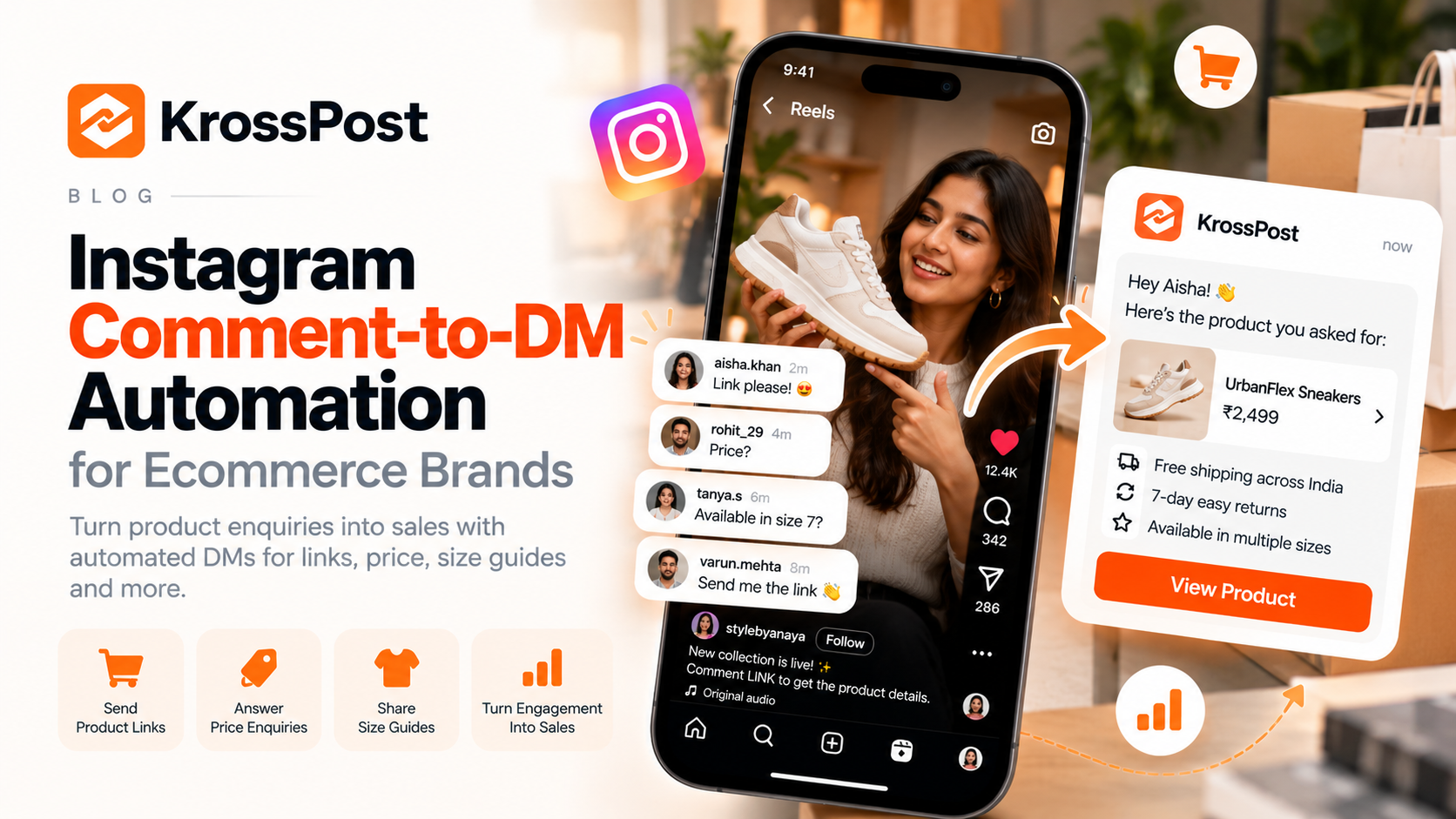
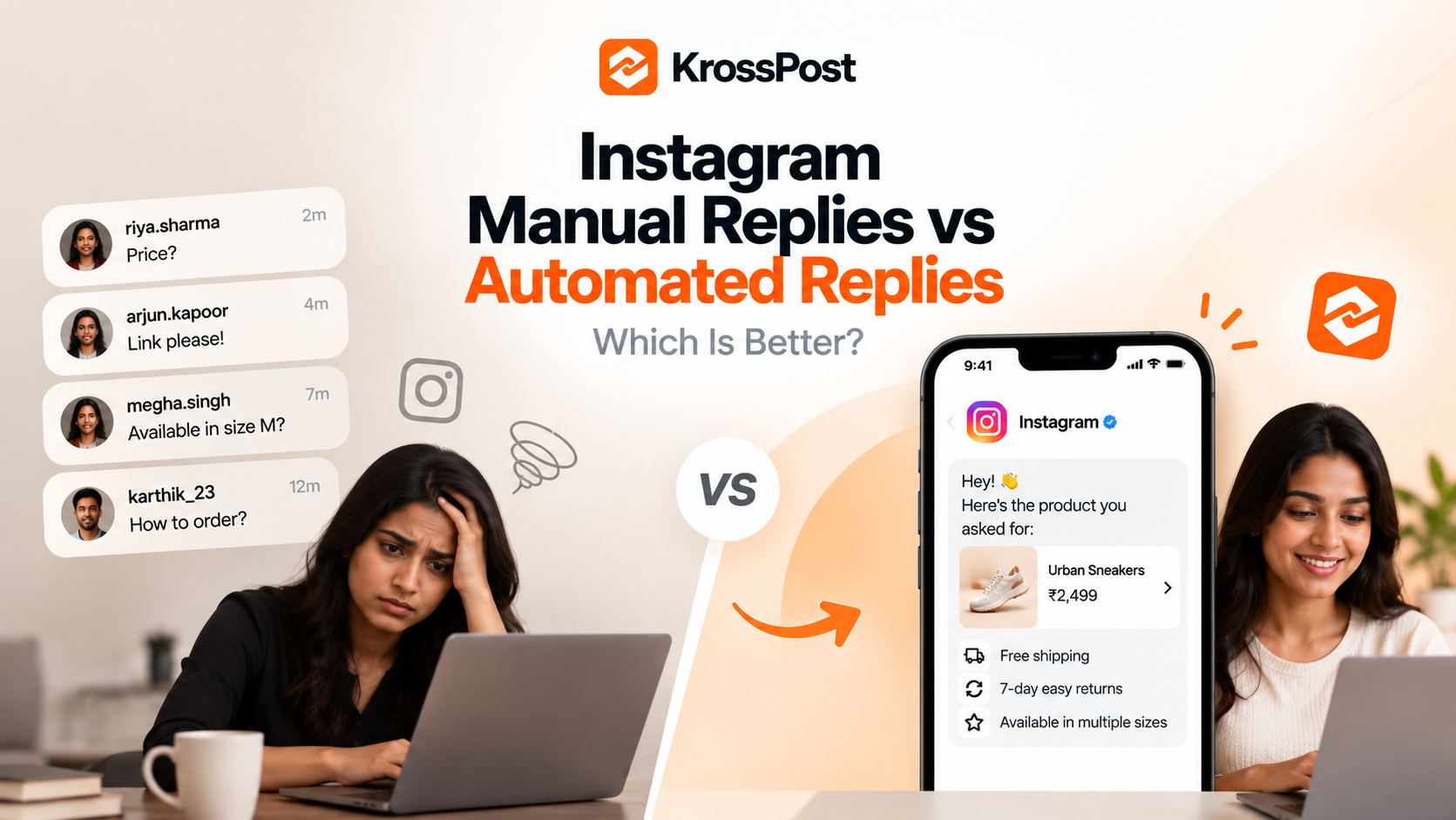
Someone comments “PRICE?” on your Instagram Reel. Another asks for the product link. A third wants to know how your service works.
At first, replying to each person manually feels manageable. You open Instagram, type a response, send the link, and move on to the next comment.
But as your content reaches more people, the same questions can appear repeatedly across Reels and posts. Keeping up with every enquiry takes time, and some conversations may wait longer than they should.
This raises an important question: should you continue replying manually, or automate some of your Instagram responses?
The answer depends on the type of interaction. Manual replies are valuable for personal conversations, while automation can handle repetitive interactions such as delivering requested links or responding to configured comment triggers.
In this guide, we'll compare both approaches, explain their advantages and limitations, and help you decide which workflow fits your Instagram account.
1. What Are Manual Instagram Replies?
Manual replies are messages you write and send yourself through Instagram.
When someone comments on your post, you read the comment, understand what the person needs, and respond individually. You might answer publicly, send a private message, or continue the conversation in your inbox.
For example, a fitness coach publishes a Reel about building a consistent workout routine.
Someone comments, “Can you help me create a plan for my schedule?”
The coach can ask about their goals, understand their constraints, and respond with relevant advice. That conversation may require context that a predefined automated message cannot provide.
Manual replies are especially useful when the interaction requires judgement, empathy, personalised advice or a detailed explanation.
However, every response requires someone to notice the comment, decide what to say, and take action.
2. What Are Automated Instagram Replies?
Automated replies use a configured workflow to send a response when a supported condition is met.
Depending on the tool and the workflow, this might involve a keyword in a comment, a response to an eligible interaction, or a predefined trigger in a messaging system.
For example, an ecommerce brand publishes a Reel featuring a new collection and asks viewers to comment “LINK” to receive the product page.
The brand configures an eligible comment-to-DM workflow. When a matching comment triggers the automation, the system sends the corresponding private reply.
Instead of manually sending the same link to every eligible commenter, the brand can automate that repetitive step.
Automated replies are not necessarily generic or identical in every situation. Some tools support conditional workflows or AI-powered responses. However, their capabilities depend on the product, configuration and platform permissions.
The key distinction is that automation handles defined tasks according to a workflow, while a person can interpret a conversation and make decisions in real time.
3. Manual Replies vs Automated Replies: The Key Differences
Here's how the two approaches compare.
| Factor | Manual replies | Automated replies |
|---|---|---|
| Response process | A person writes and sends each response | A configured workflow sends supported responses |
| Repetitive questions | Requires repeated manual effort | Can handle recurring questions or requests |
| Personalisation | Naturally suited to individual conversations | Depends on the workflow and available context |
| Availability | Depends on when someone checks Instagram | Can handle eligible triggers without someone manually sending each response |
| Setup | Usually requires little initial configuration | Requires setup, testing and maintenance |
| Complex enquiries | Better suited to judgement and nuanced responses | May require escalation to a person |
| Product and resource links | Must be sent manually | Can be delivered automatically through supported workflows |
| Consistency | Can vary between team members and situations | Configured messages can remain consistent |
| Monitoring | Relies on someone checking comments and messages | Still requires monitoring for errors and conversations needing attention |
| Best use | Personal support and complex discussions | Repetitive, predictable interactions |
Neither approach is universally better. The important question is which tasks should be handled by a person and which can be handled reliably by a configured workflow.
4. When Manual Instagram Replies Make More Sense
Automation can save effort, but there are situations where a manual response is the better choice.
Personal questions that need context
A potential customer might explain their situation in a detailed comment. Responding properly requires understanding the specific question rather than matching a keyword.
For example, a business owner asking for advice about their marketing strategy may need a conversation rather than a standard link.
Complaints and sensitive situations
If someone reports a delivery problem, expresses dissatisfaction or raises a sensitive concern, a generic response can make the experience worse.
A person should assess the issue and decide on the appropriate response.
Building relationships with your community
Creators often reply to comments because they want to interact with their audience, not simply process requests.
A thoughtful response to a regular follower, collaborator or customer can be more valuable than an automated message.
Unusual questions
When a question falls outside your predefined workflows, manual replies allow you to clarify the request and provide an appropriate answer.
Use manual replies when the quality of the conversation matters more than the efficiency of sending the response.
5. When Instagram Reply Automation Makes More Sense
Automation becomes useful when the same type of interaction occurs repeatedly and the appropriate response is predictable.
Sending product links
An ecommerce brand receives frequent comments asking where a product is available.
A configured comment-to-DM workflow can deliver the relevant product link when someone uses the specified trigger.
Sharing free resources
A coach publishes a Reel offering a downloadable guide. Viewers comment with a configured keyword, and the workflow sends the resource link.
This avoids manually delivering the same resource for every eligible request.
Handling repeated enquiries
A business may regularly receive questions about product details, collections, service information or booking pages.
Where a suitable workflow is supported, automation can direct people to the correct information.
Supporting launches and campaigns
During a product launch, a brand might receive many requests for the new collection link.
Automation can help distribute the link consistently while the team focuses on other customer interactions.
Managing repetitive work across multiple posts
If several posts use distinct comment triggers and resources, an appropriate automation setup can manage those workflows without requiring someone to repeat every action manually.
The main requirement is that the workflow must be configured correctly and remain relevant to the interaction.
6. The Hidden Cost of Replying to Every Comment Manually
Manual replies don't usually have a software cost for every message, but they require staff attention.
Consider a hypothetical example: a brand receives 100 relevant comments in a day, and each response takes an average of 30 seconds to write and send.
That's 50 minutes of direct replying.
If the brand receives 300 such comments, the same assumption results in 150 minutes of direct replying.
These are illustrative calculations, not industry benchmarks. Actual time depends on the number of comments, the complexity of the questions, and whether the replies are public or private.
The total workload can also include:
Checking new comments throughout the day.
Finding the correct product or resource link.
Answering repeated questions.
Following up on unanswered enquiries.
Reviewing conversations that require human support.
For a small creator or business, this work can compete with content creation, customer service and other important tasks.
Automation can reduce the repetitive portion of this workload. It does not eliminate the need to monitor conversations or resolve issues that require human attention.
7. Does Automation Mean Losing the Personal Touch?
Not necessarily.
The problem isn't automation itself. The problem is using it for interactions that need a personal response.
Imagine a skincare brand receives two comments.
The first says, “LINK please.” The customer wants to view a product. Sending the requested product page through an appropriate automated workflow is useful and straightforward.
The second says, “I have sensitive skin and reacted badly to a similar product. Is this suitable for me?”
That question needs a more careful response based on the product's verified information and the customer's circumstances. A generic promotional message would be inappropriate.
The two comments have different needs, so they shouldn't necessarily receive the same treatment.
A practical rule is:
Automate predictable actions.
Use context-aware workflows where appropriate.
Let a person handle complex, sensitive or unusual conversations.
The best setup makes routine interactions easier without preventing customers from receiving personal support when they need it.
8. Can You Combine Manual and Automated Instagram Replies?
Yes. For many businesses, a hybrid approach is the most practical option.
Instead of deciding that every response must be manual or every response must be automated, divide interactions by their purpose.
| Interaction | Suggested approach |
|---|---|
| “Send me the product link” | Automation, where supported |
| “Comment GUIDE for the checklist” | Automation, where supported |
| “What are your business hours?” | A suitable automated response or saved reply |
| “My order hasn't arrived” | Human support |
| “Can you recommend the right service for my situation?” | Personal conversation |
| Detailed complaint or unusual request | Human review |
| Repeated campaign enquiries | Automation for the predictable part, with human follow-up when needed |
This approach lets your team spend less time repeating simple actions and more time handling conversations where personal attention adds value.
It's also easier to introduce gradually. Start with one repetitive interaction, test the workflow and expand only when it works reliably.
9. How KrossPost Helps Automate Instagram Comment-to-DM Workflows
KrossPost is built to help creators and businesses automate Instagram interactions, with comment-to-DM automation as a core use case.
For example, you can build a workflow around a Reel that invites viewers to comment for a product link, resource or other relevant information. An eligible comment can trigger the configured private-message workflow, reducing the need to manually deliver the same information repeatedly.
Depending on the supported workflow and features available in your plan, KrossPost also offers AI-powered, context-aware response capabilities.
The objective isn't to replace every human interaction. It's to make repetitive tasks easier to manage while leaving room for meaningful conversations.
If you want to understand the mechanics in more detail, read our Instagram comment-to-DM automation guide.
You can also visit KrossPost to explore its Instagram automation features.
Before choosing a tool, verify that its current capabilities match the triggers, messaging workflows and permissions your account needs.
10. How to Decide Which Approach Is Right for You
Ask yourself these five questions:
Do you receive the same questions repeatedly? If yes, some of those interactions may be suitable for automation.
Do customers frequently request links or resources? Consider a configured comment-to-DM workflow.
Do most enquiries require individual judgement? Keep more of the process manual.
Are important comments going unanswered because of workload? Review your response process and consider automating predictable tasks.
Can you test and monitor the workflow? Automation needs maintenance, not just an initial setup.
You don't need to automate everything at once. Start with a task that is frequent, predictable and easy to verify.
Measure the result by looking at successful message delivery, relevant follow-up conversations, the workload reduced and the customer experience—not just the number of automated replies sent.
Frequently Asked Questions
Are automated Instagram replies better than manual replies?
Neither is always better. Automation is useful for predictable, repetitive interactions, while manual replies are better suited to nuanced questions, sensitive issues and personalised conversations.
Can Instagram automatically DM someone who comments on a Reel?
Eligible comment-to-DM workflows can support private replies to certain comment interactions, depending on Meta's current API capabilities, messaging rules and the tool being used. Not every comment or follow-up action should be assumed to be supported.
Will automated replies make my Instagram account look less authentic?
They can if messages are irrelevant, overly promotional or poorly configured. Keep responses relevant to the comment, deliver what you promised, and allow people to receive human assistance when needed.
Do automated replies guarantee more sales?
No. Automation can reduce friction and help deliver information, but sales depend on the product, audience, offer, customer experience and other factors.
Should small businesses automate Instagram replies?
Small businesses can benefit when they repeatedly handle the same enquiries or deliver the same links. Starting with one simple workflow is a practical way to evaluate whether automation is worthwhile.
Can I use manual replies alongside KrossPost?
Manual conversations remain important even when you use automation. The exact process for handling replies and switching between automated workflows and human support depends on your account setup and the tool's supported features.
Final Thoughts
Manual Instagram replies help you build relationships, understand individual needs and resolve complex questions. Automated replies help you handle predictable interactions without repeating the same actions for every eligible comment.
For most growing businesses, the decision doesn't need to be one or the other.
Automate the repetitive work. Keep the human touch where it matters.
Start with a single workflow, make sure it delivers the right response, and measure whether it improves your process. As your Instagram audience grows, that balance can help you manage more interactions without treating every conversation as a manual task.
About the author
Krosspost.ai is a cutting-edge platform designed to simplify cross-platform content sharing. By automating the distribution of posts across various social media channels, Krosspost.ai helps businesses and content creators reach a wider audience effortlessly, saving time while maximizing their impact.
Comments
Join the discussionNo comments yet. Be the first to comment.