Instagram automation can save creators and businesses hours of repetitive work. From automatically replying to Reel comments to sending product links through DMs, it helps you engage with your audience without manually responding to every interaction.
But there is one concern many Instagram users share: Can automation get your Instagram account restricted or banned?
You may have also heard that Instagram allows only 200 DMs per hour. This claim often creates confusion for creators and businesses trying to choose an automation tool.
The truth is that safe Instagram automation involves more than following a single number. The type of activity, the integration being used, the relevance of your messages, and Instagram's current rules all matter.
In this guide, we'll explain how Instagram automation works, what you should know about messaging limits, which practices to avoid, and how to choose an automation tool that prioritizes account safety.
What Is Instagram Automation?
Instagram automation uses tools to handle repetitive activities on your behalf, reducing the need to perform every action manually.
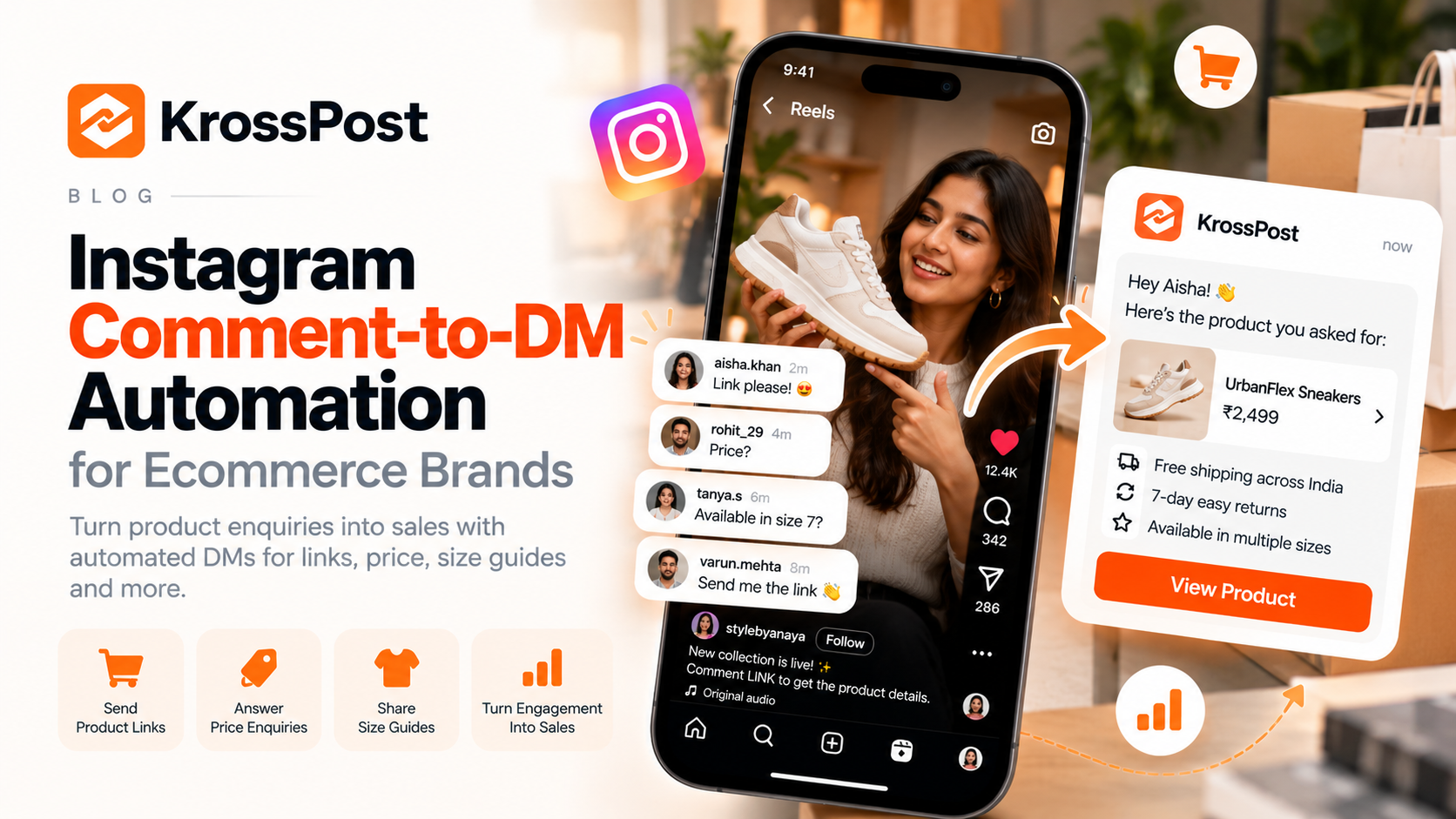
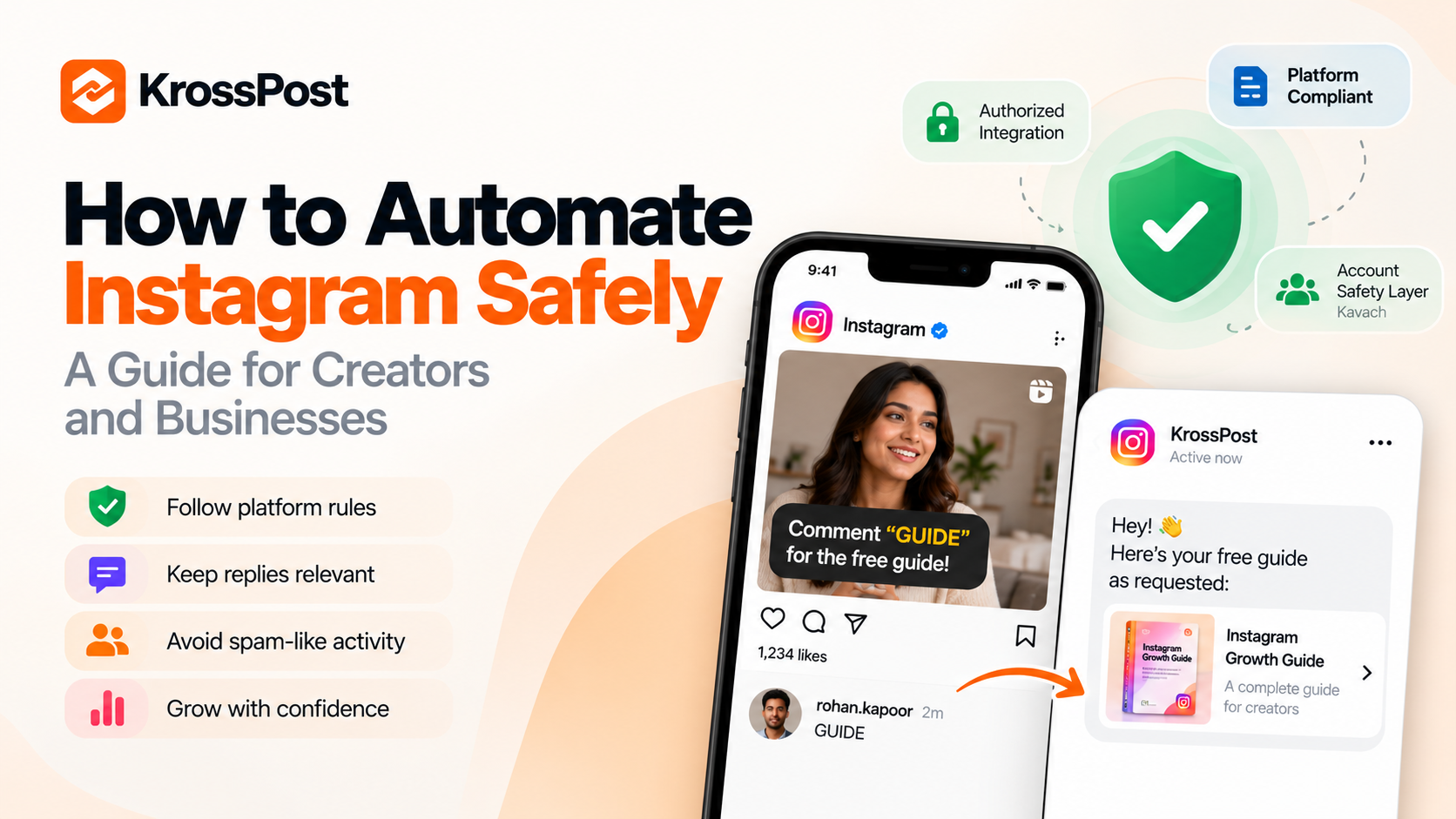
For example, a creator might ask followers to comment “GUIDE” on a Reel. Instead of manually sending the guide to every person who comments, an automation tool can trigger a relevant DM.
Businesses can use similar workflows to answer common questions, share product information, direct potential customers to a website, or provide details about an offer.
Common examples include:
Comment-to-DM automation: Automatically send a relevant DM when someone comments with a specified keyword.
Automated replies: Respond to supported interactions with helpful, predefined messages.
Lead generation: Share a form, booking link, catalogue, or other relevant resource.
Customer engagement: Help people find the information they need without waiting for a manual response.
Automation is most useful when it makes an existing conversation easier. Problems arise when it is used to send irrelevant messages, overwhelm people, or perform activities that violate Instagram's rules.
Is Instagram Automation Safe?
Yes, Instagram automation can be used safely, provided the tool and workflow comply with Instagram's applicable rules. However, no third-party tool can guarantee that an account will never face restrictions.
Before using an automation tool, understand three important factors.
1. The tool's integration matters
Prefer tools that use Instagram's authorized integrations and follow Meta's platform policies.
Be cautious of services that ask you to share your Instagram password, require suspicious browser extensions, or promise unlimited messaging without restrictions.
An automation tool should not need to bypass Instagram's safeguards to deliver its core functionality.
2. The messages you send matter
Consider the difference between these two situations:
Someone comments “PRICE” on your product Reel, and you send them the requested pricing information.
Someone leaves an unrelated comment, and you send them multiple unsolicited promotional messages.
The first interaction has clear context. The second may feel intrusive or spam-like.
Keep automated messages relevant to the action that triggered them. A useful reply is better for both your audience and your business.
3. The way you use automation matters
Even a legitimate tool can be used in ways that create problems.
Sending repetitive promotional messages, attempting to contact people who have not shown interest, or using automation to imitate human activity can put you at risk of violating platform policies.
Use automation to respond to genuine interest—not to manufacture engagement or overwhelm your followers.
What Is the 200 DMs per Hour Instagram Limit?
You may have come across advice stating that Instagram permits only 200 automated DMs per hour.
It is important to understand the distinction: 200 DMs per hour is not a universal, officially published limit that applies to every Instagram messaging activity or automation tool.
Instagram and Meta apply different restrictions depending on the API endpoint, the type of messaging activity, and the applicable platform rules. These limits can also change.
This means that seeing the number 200 online does not automatically tell you how many messages your particular automation workflow can send safely.
So, why does this number come up so often?
Some automation providers may adopt their own conservative operating thresholds or use simplified explanations to help customers understand messaging restrictions. Those internal thresholds should not be confused with a universal Instagram rule.
For creators and businesses, the practical takeaway is simple:
Do not assume that sending fewer than 200 messages per hour guarantees safety.
Do not assume that every account or automation tool has the same messaging allowance.
Do not treat a higher messaging capacity as permission to send unsolicited messages.
Check the current official Meta documentation and your provider's guidance when evaluating a tool.
You can consult the official Instagram API documentation and Meta's Graph API rate-limiting documentation for platform-specific information.
Ultimately, the number alone is not a reliable way to judge whether an automation tool is safe.
7 Best Practices for Safe Instagram Automation
Whether you're a solo creator, an influencer, or a business managing thousands of interactions, these practices can help you use automation more responsibly.
1. Use an authorized Instagram automation tool
Start by checking how the tool connects to Instagram.
Look for an integration that follows Meta's requirements and supports the particular automation you want to use. A provider should be able to explain its approach to platform compliance clearly.
Avoid services that advertise bypassing Instagram restrictions, provide fake engagement, or promise that your account can never be restricted.
2. Keep automated messages relevant
Your automation should match the user's intent.
For example, if someone comments “MENU” on a restaurant Reel, an appropriate automated DM could share the menu. If someone comments “SIZE” on a clothing post, the reply could provide the size guide.
Avoid turning every comment into an opportunity to send an unrelated sales pitch.
The more useful the response, the more naturally automation fits into the customer experience.
3. Understand messaging eligibility and restrictions
Not every Instagram interaction gives you unlimited permission to message someone.
Meta has specific rules for features such as private replies to comments, including restrictions on when and how those replies may be sent. Other messaging activities can have their own eligibility requirements.
A tool should operate within the rules applicable to each workflow instead of treating every comment, follower, or interaction as permission for unrestricted messaging.
4. Avoid spam-like behaviour
Automation should not be used to flood users with messages.
Avoid:
Sending repeated messages when someone has already received the requested information.
Sending irrelevant promotions to people who interacted with a different topic.
Repeatedly messaging people who do not respond.
Using fake accounts or engagement manipulation to make campaigns appear more popular.
Using tools that claim to bypass platform safeguards.
Think about the experience from the recipient's perspective. If the message would feel annoying or unexpected when sent manually, automating it probably will not improve it.
5. Make your messages useful and transparent
Automated messages should be clear, relevant, and easy to understand.
For example:
“Hey! Thanks for commenting on our Reel. Here's the guide you requested: [link].”
This tells the recipient why they received the message and gives them the information they expected.
Avoid misleading users into believing that an automated response is a personal message written individually by the creator when that distinction matters to the conversation.
6. Monitor your account and automation performance
Do not set up an automation and forget about it.
Check whether your messages are being delivered, whether the responses remain relevant, and whether Instagram or your automation provider reports any errors or restrictions.
If you notice unusual activity, unexpected messaging behaviour, or a platform warning, investigate the issue and pause the affected workflow when appropriate.
7. Review your automation regularly
Your audience, content, and business requirements will change over time. A workflow that made sense for an old campaign might become irrelevant after the campaign ends.
Review your keywords, message templates, destination links, and active workflows periodically. Remove outdated messages and ensure that every automation still serves a clear purpose.
How to Choose an Instagram Automation Tool
The right tool should help you manage conversations without encouraging risky practices.
Before choosing one, ask these questions:
| What to check | Why it matters |
|---|---|
| Does it use an authorized integration? | Helps establish whether the workflow follows Meta's applicable requirements. |
| Does it explain its safety approach? | Gives you a clearer understanding of how account safety is considered. |
| Can I control when messages are triggered? | Helps keep replies relevant to specific comments or actions. |
| Does it provide monitoring or error information? | Makes it easier to identify problems and investigate unexpected behaviour. |
| Can I edit or pause automations? | Helps you stop outdated or inappropriate workflows quickly. |
| Does it explain platform restrictions honestly? | Helps you avoid misleading promises about unlimited messaging or guaranteed account safety. |
Be especially cautious of tools that use fear-based marketing or promise that a particular sending speed will make your account completely safe. Responsible providers should communicate limitations clearly.
How KrossPost Approaches Instagram Automation Safety
KrossPost helps creators and businesses automate Instagram interactions, including comment-to-DM workflows, so they can respond to audience interest without manually handling every interaction.
It also includes Kavach, KrossPost's account-safety layer, as part of its approach to safer automation.
For creators and businesses, the important consideration is not simply how many messages a tool can send. It is whether the automation is designed with account safety, relevant interactions, and the applicable Instagram rules in mind.
When evaluating KrossPost—or any other automation platform—users should still follow Instagram's policies, configure their workflows responsibly, and monitor their account activity.
No automation provider can promise zero risk, because platform restrictions and enforcement decisions remain outside the provider's complete control.
You can learn more about KrossPost at krosspost.ai.
Frequently Asked Questions
Can Instagram ban my account for using automation?
Instagram may restrict accounts that violate its rules, including through certain forms of unauthorized automation or spam-like activity. Using a compliant tool reduces avoidable risks but does not guarantee that an account will never face restrictions.
Is the 200 DMs per hour limit official?
It should not be treated as a universal Instagram DM limit. Messaging restrictions depend on the specific activity and applicable platform rules. Some providers may use their own operating thresholds, which are different from an official platform-wide limit.
Can I automate Instagram comments and DMs safely?
Yes, when the tool and workflow comply with Instagram's applicable requirements. Use relevant replies, respect messaging restrictions, and avoid repetitive or unsolicited outreach.
Is Instagram automation safe for small businesses?
It can be useful for businesses that receive frequent product enquiries, booking questions, or comments on promotional content. Choose a suitable tool, configure it carefully, and monitor the customer experience.
Does using an authorized tool guarantee account safety?
No. An authorized integration is an important consideration, but it cannot guarantee immunity from restrictions. Your usage, messages, and compliance with current platform policies also matter.
What should I do if Instagram restricts my account?
Review any notification or account-status information Instagram provides, identify the activity that may have triggered the restriction, and follow the official review or appeal process when available. Pause potentially problematic automation while you investigate.
Final Thoughts
Instagram automation can help creators and businesses respond faster, share useful information, and manage audience engagement more efficiently. But it should support genuine conversations—not replace them with indiscriminate messaging.
Don't rely on a single number, such as 200 DMs per hour, to decide whether a tool is safe. Understand the applicable messaging rules, choose a responsible provider, keep your replies relevant, and monitor your workflows.
The goal isn't to send the maximum number of messages. It's to automate the right interactions in a responsible way.
With a thoughtful setup and ongoing attention to Instagram's rules, automation can become a useful part of your growth strategy without treating account safety as an afterthought.
About the author
Krosspost.ai is a cutting-edge platform designed to simplify cross-platform content sharing. By automating the distribution of posts across various social media channels, Krosspost.ai helps businesses and content creators reach a wider audience effortlessly, saving time while maximizing their impact.
Comments
Join the discussionNo comments yet. Be the first to comment.